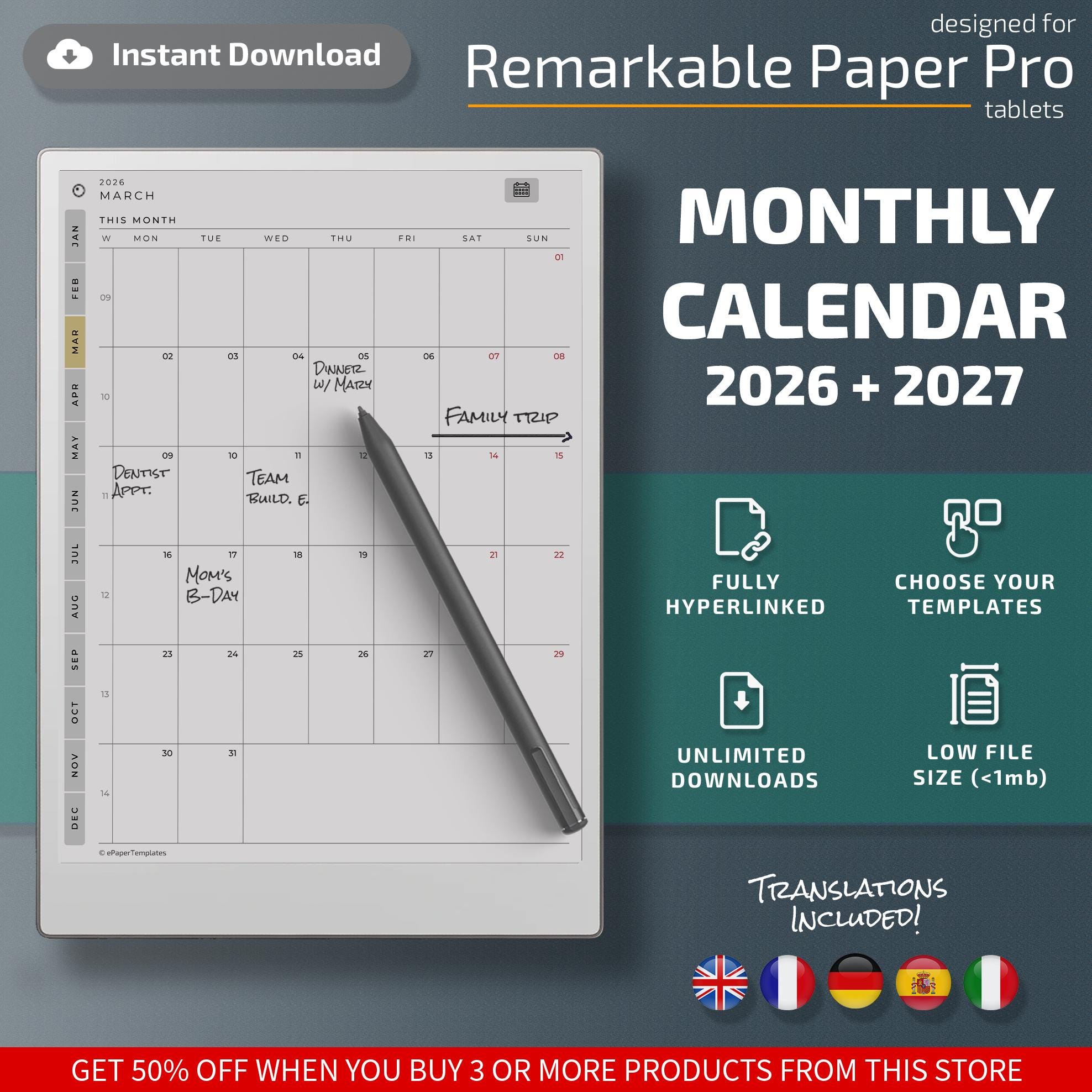
Our Monthly Calendar template for Remarkable Paper Pro tablets is specially designed to keep track of your most important dates and events this 2026 and 2027.
✨PRODUCT FEATURES
This a fully hyperlinked, PDF file with 12 monthly calendar pages and a full-page year calendar for 2025 and 2026.
Choose the options that work best for you:
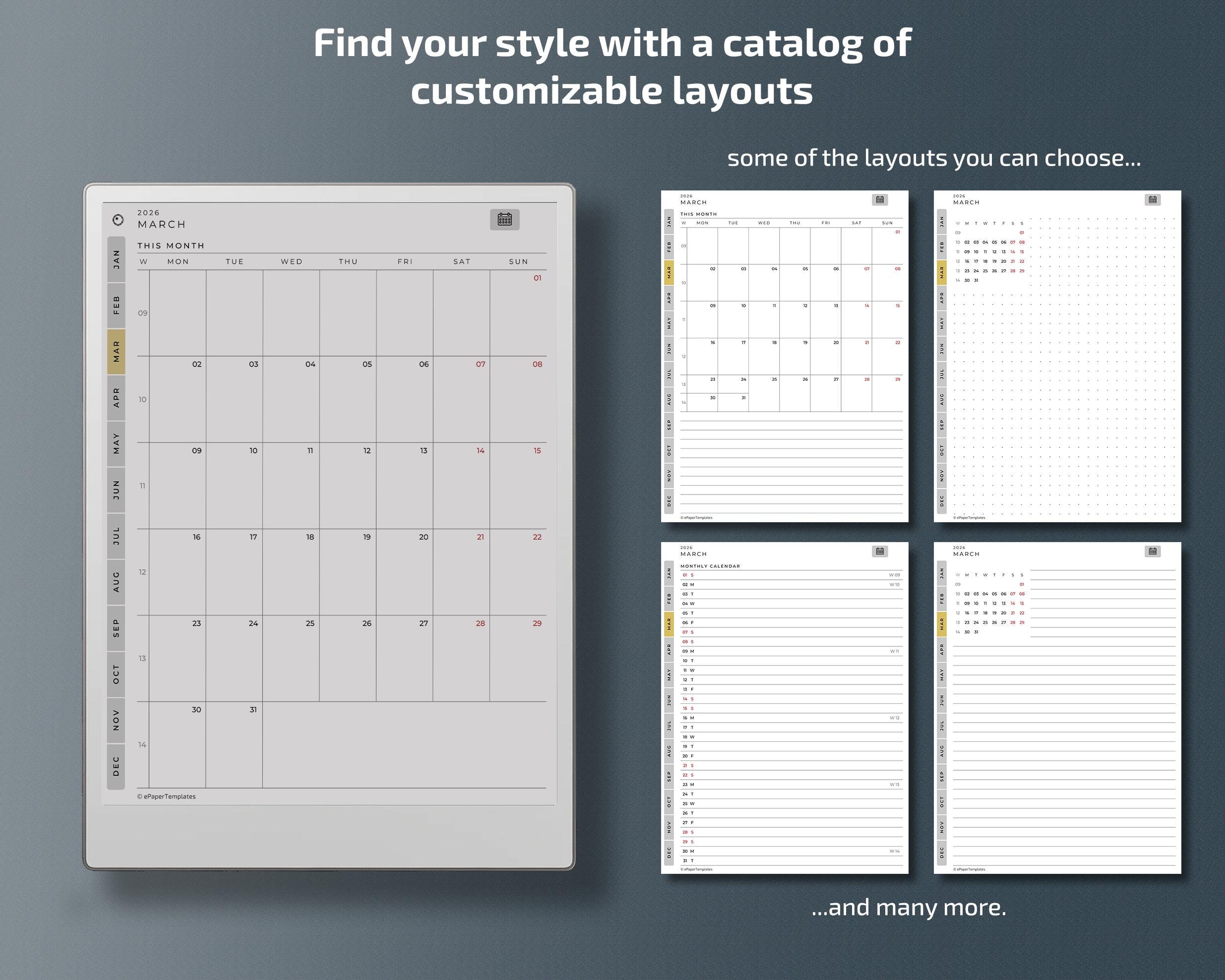
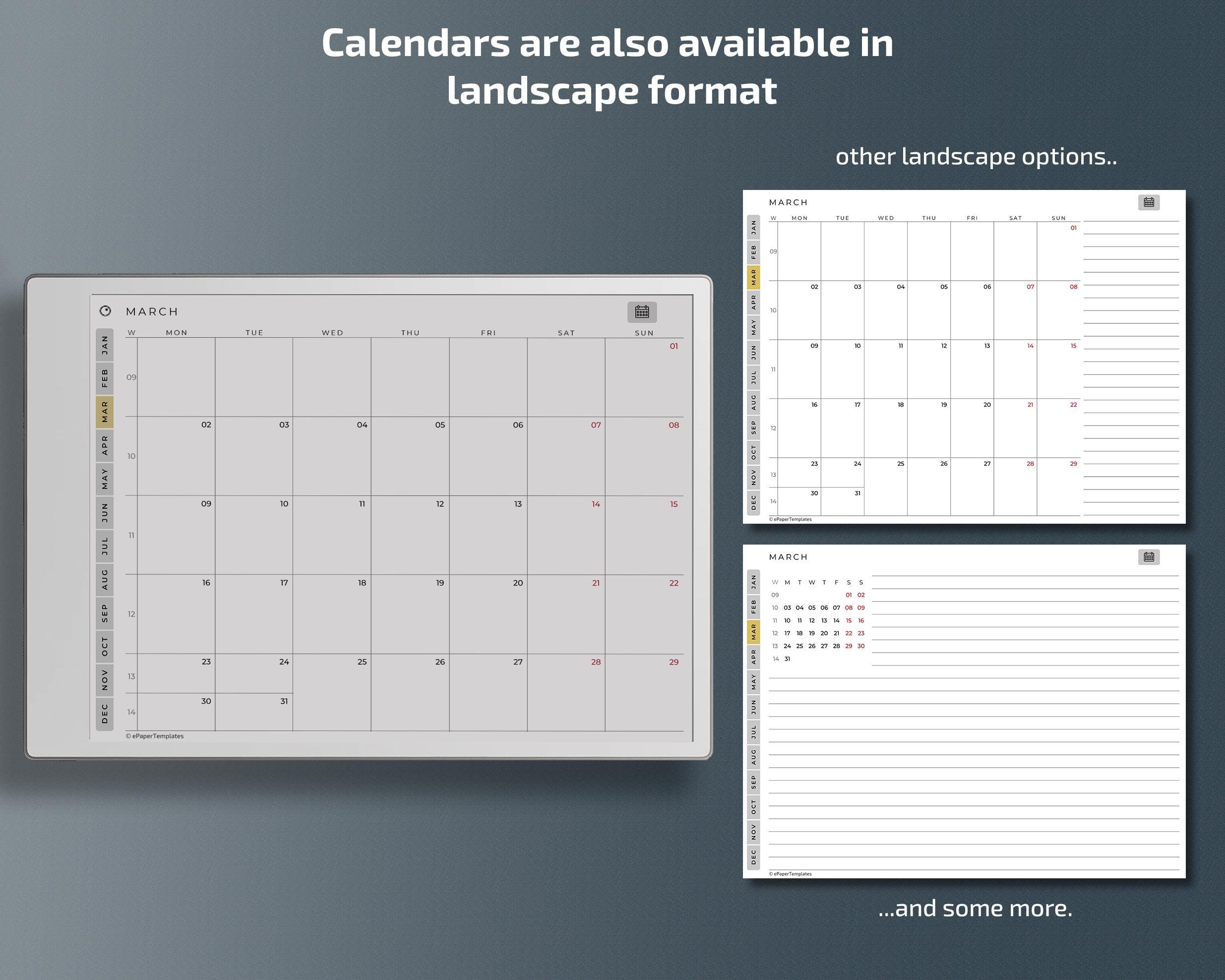
✅ Several monthly page layouts available. including landscape and portrait versions.
✅ Sunday or Monday week start.
✅ Suitable for right and left-handed users.
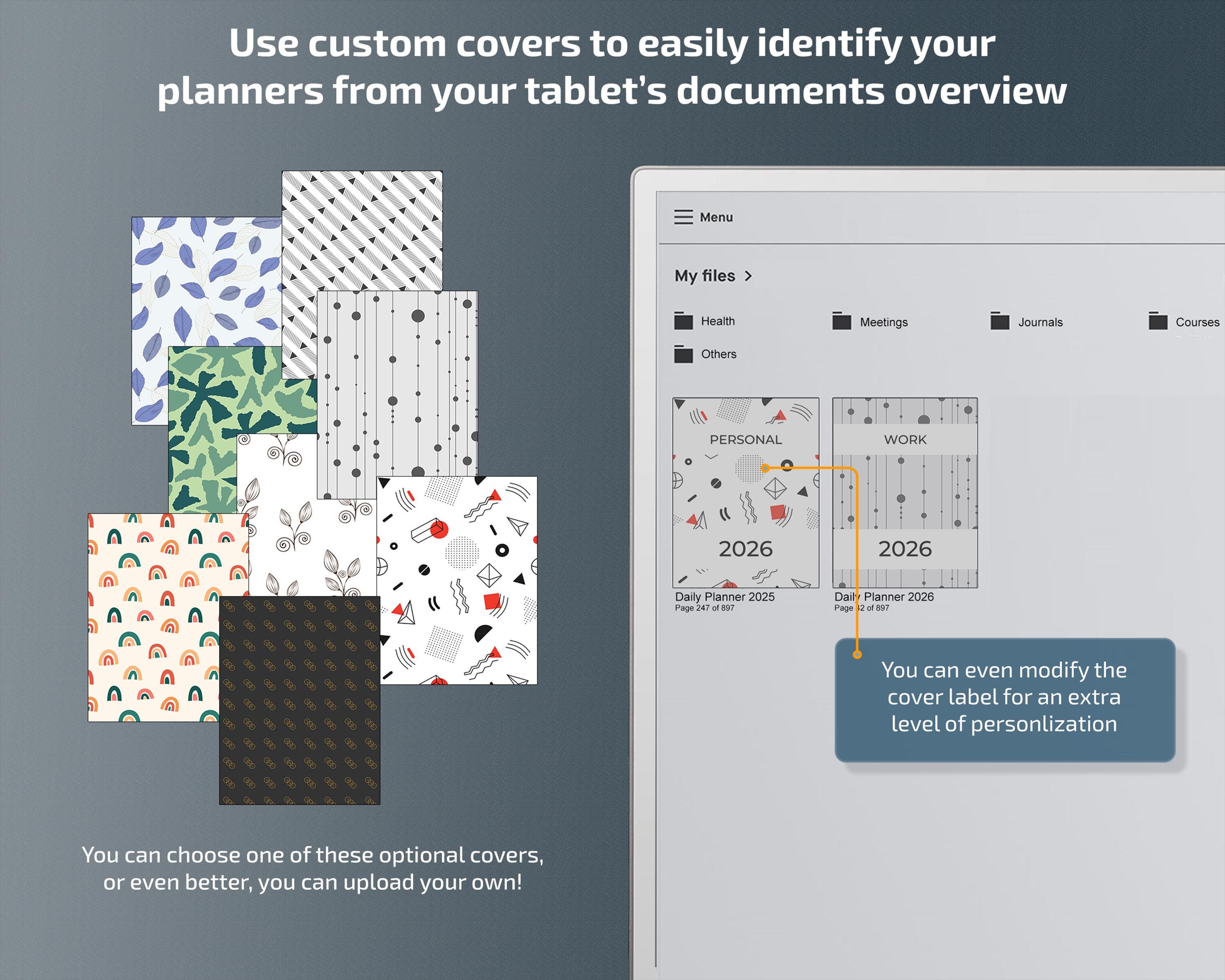
You’ll also be able to personalize your cover page and change your planner’s front label.
⚡️USABILITY AND DESIGN
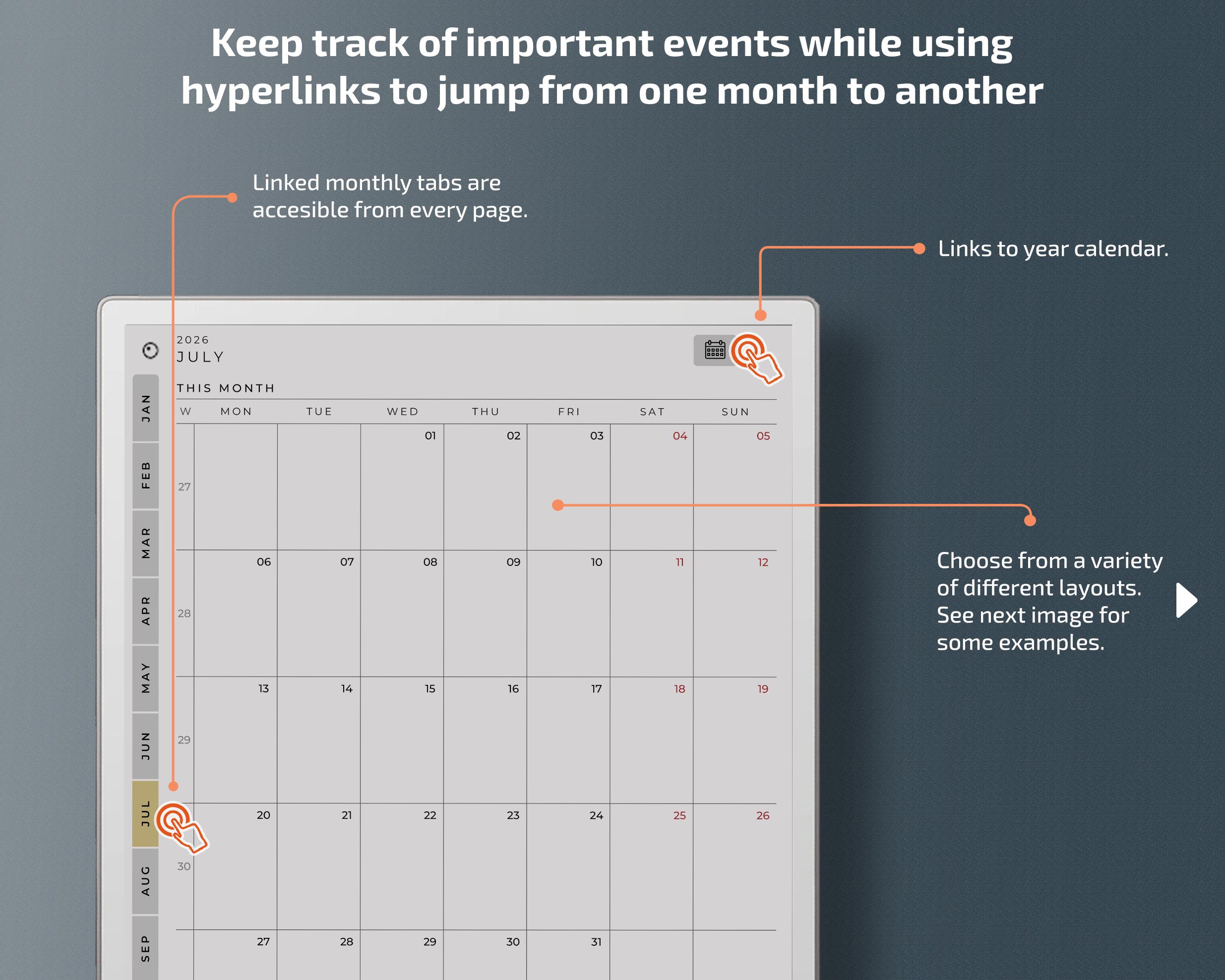
All the pages in the document are properly hyperlinked to bring a pleasant experience when moving between the document’s sections.
To make it easy to swap between your Paper Pro's tools without overlapping the main layout, we designed all our templates with the toolbar in mind. We also paid special attention to the tablet’s display and designed every page in perfect alignment with the side corners without any uncomfortable margin.
🛠 HOW DOES CUSTOMIZATION WORK?
Our customization panel is a web-based application accessible from any computer. It empowers you to tailor your templates according to your individual requirements and preferences.
As soon as your purchase is complete, you will receive a link to access your downloads. Please note that our application is currently optimized for use on medium to large screens. You can access our application on your mobile phone too, but customization options will be limited.
❗️LIMITATIONS AND COPYRIGHT
Once you finish customizing your calendar, you’ll be able to instantly download your hyperlinked, PDF document. When using PDF templates within your Paper Pro, the following limitations should be noted:
- Background templates cannot be changed in PDF files.
- Handwriting conversion to text is not supported on standard PDF pages.
- Typed text is not supported on standard PDF pages.
- You won’t be able to add notes to this document from the Remarkable App (mobile or Windows).
- Calendar synchronization is not supported, including services like Google, Outlook, or Apple's.
The digital artwork featured in these documents remains the intellectual property of ePaperTemplates. These digital files are intended for personal use only, meaning they cannot be modified or shared with others, even for non-commercial purposes.
Please bear these limitations in mind before proceeding with your purchase.
⚠️ DISCLAIMER
Please note that ePaperTemplate's products are entirely independent and not affiliated with the manufacturers of the supported eInk tablets. ePaperTemplates operates autonomously and does not claim any endorsement, partnership, or association with any of them. Our products are designed, developed, and marketed with our unique vision and objectives in mind.
Digital downloads
File delivery
Your files will be available to download once payment is confirmed.
Payment Options
Returns & Exchanges
Returns & exchanges not accepted
But please contact me if you have problems with your order
Frequently Asked Questions
Are instructions to install the templates provided with my purchase?
Yes, all my publications include an instructional file that will guide you through basic maneuvers regarding the installation and use of these templates. If further guidance is needed, you can always contact me and I will be happy to help you. Please allow some time for me to answer your messages due to different time zones.
Can I sell the templates I have purchased from you?
No, these digital files are for personal use only which means that they can not be altered or shared with anyone even if it's not for commercial purposes. The digital artwork presented in these documents remains the intellectual property of ePaperTemplates.
Why does the price change when I go to checkout?
When you proceed to checkout, Etsy automatically adds the VAT for your purchase, which varies depending on your geographic location. The prices listed in our shop don't include VAT.
How do I activate the hyperlinks?
To activate the hyperlinks, lightly tap the screen with your finger, as using the pen won't work on the hyperlinks.
Reviews (2)
Average:
May 19, 2026
Worked great, no issues. Thank you!

MaKaylin Ranae
Oct 15, 2025
Great monthly calendar for my RM Pro! Everything works flawlessly and it is really helping with my organization.

Yvonne Martin